Help Center
Your Activity Feed
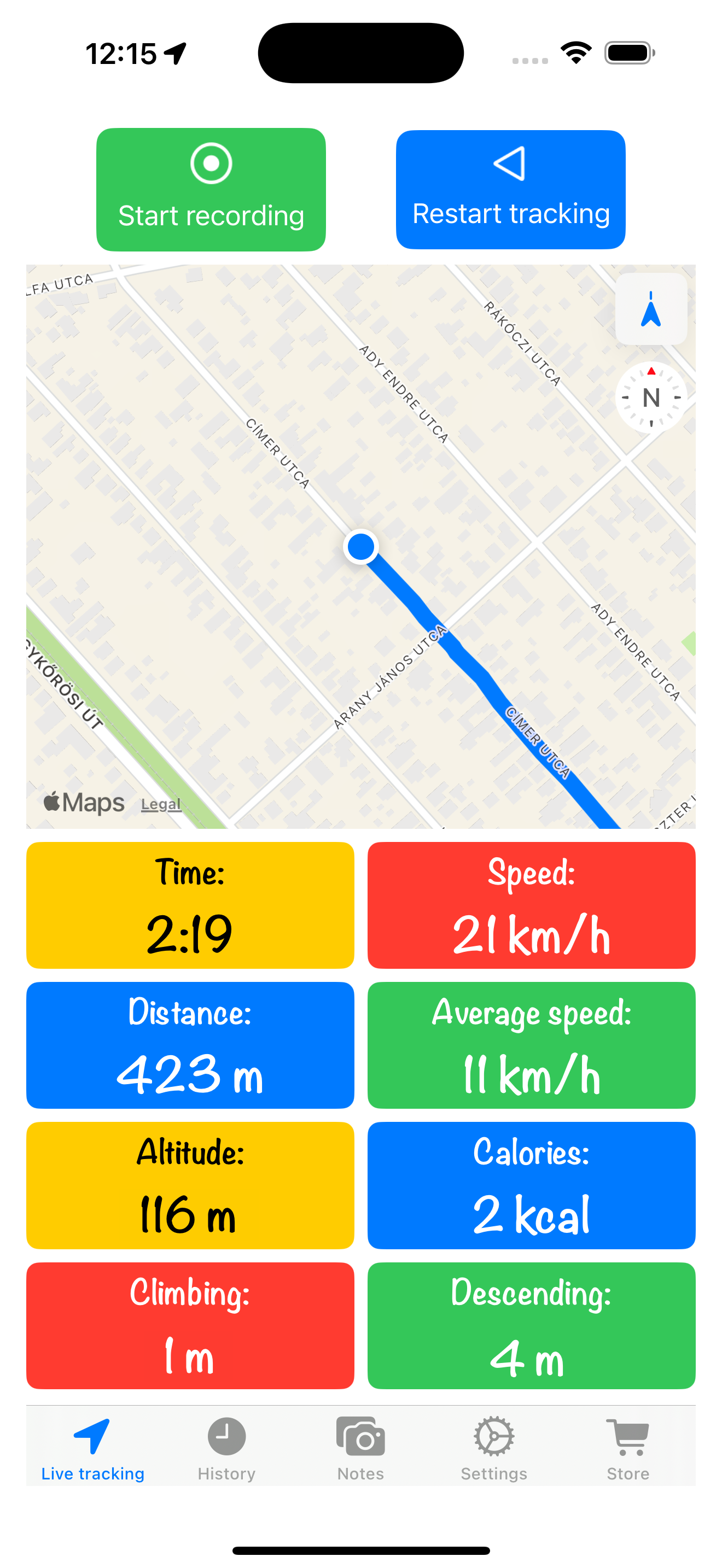
The main screen shows your current stats and the map around your route.
Ready to go? From the main screen, tap the "Start recording" button on the upper left and you're all set to begin tracking your next adventure.
Browse Your History
Tap on the "History" tab to view a comprehensive list of all your recorded activities. This organized view allows you to quickly find and revisit any past workout.
Tap on one of your past workouts to see more details.

Analyze Your Performance
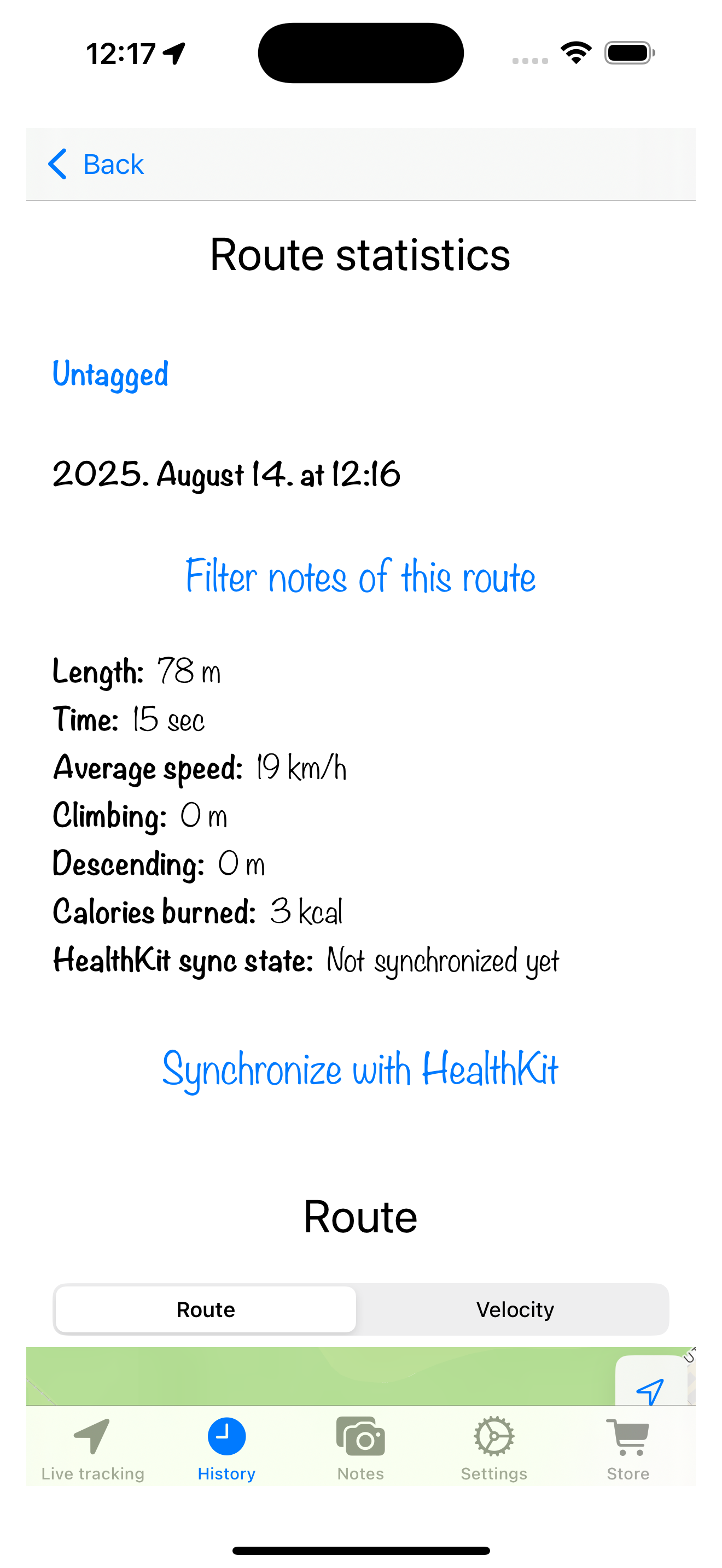
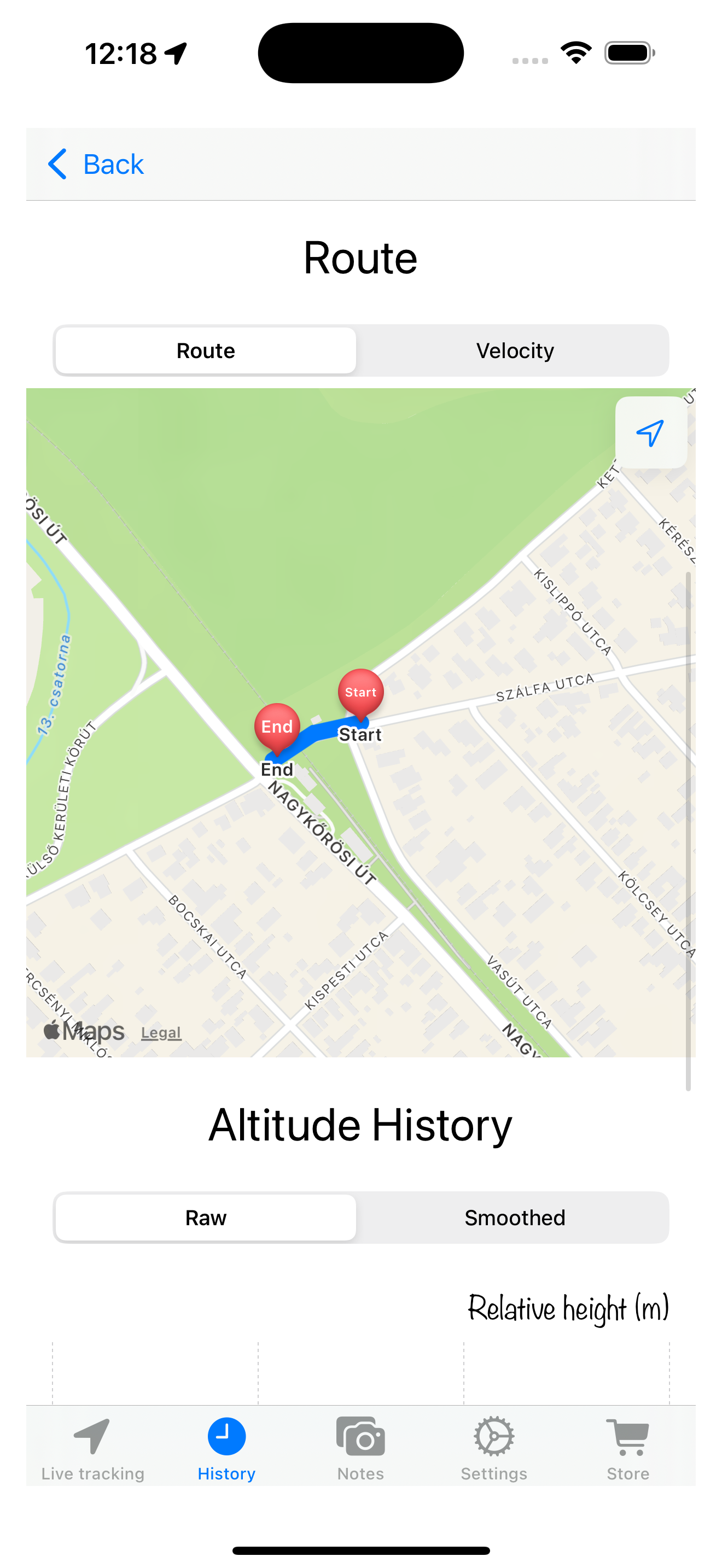
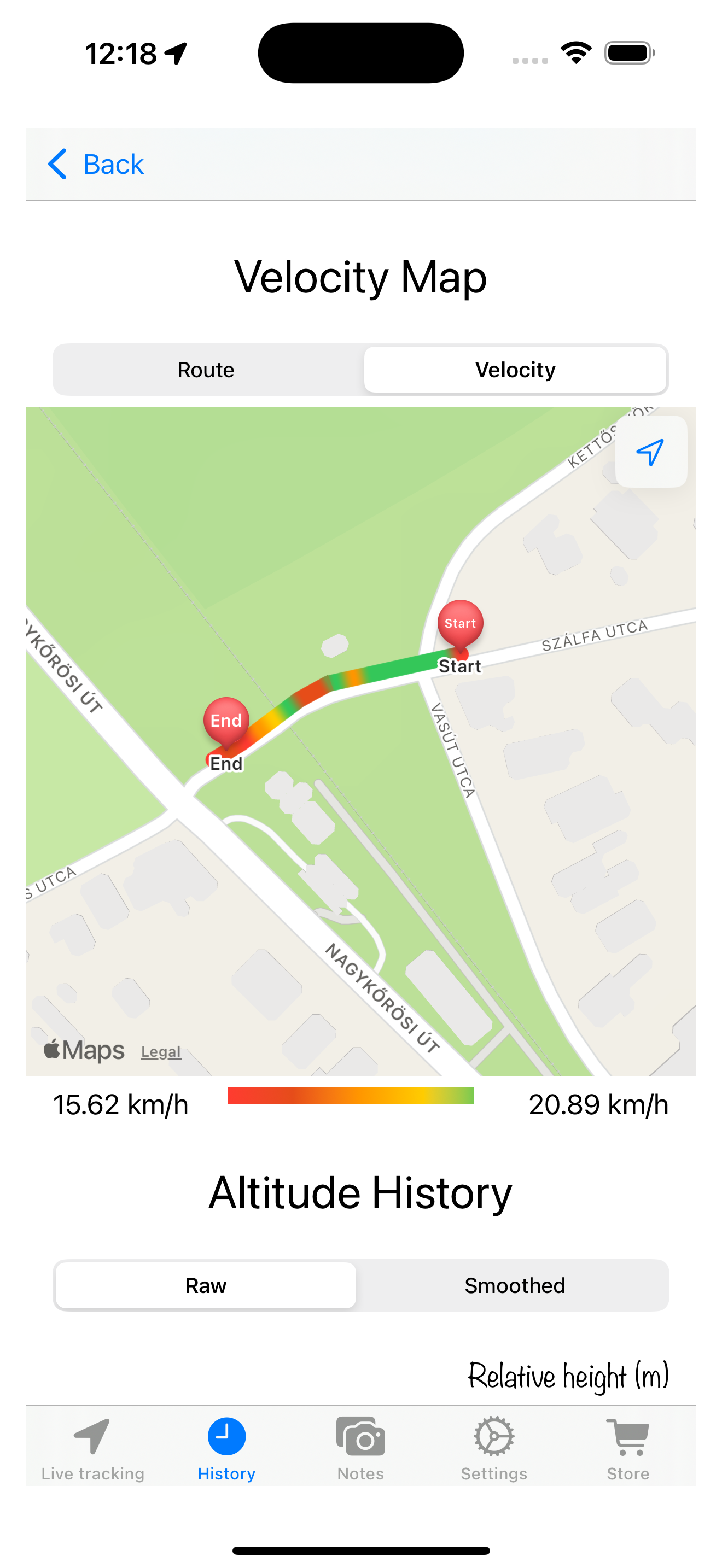
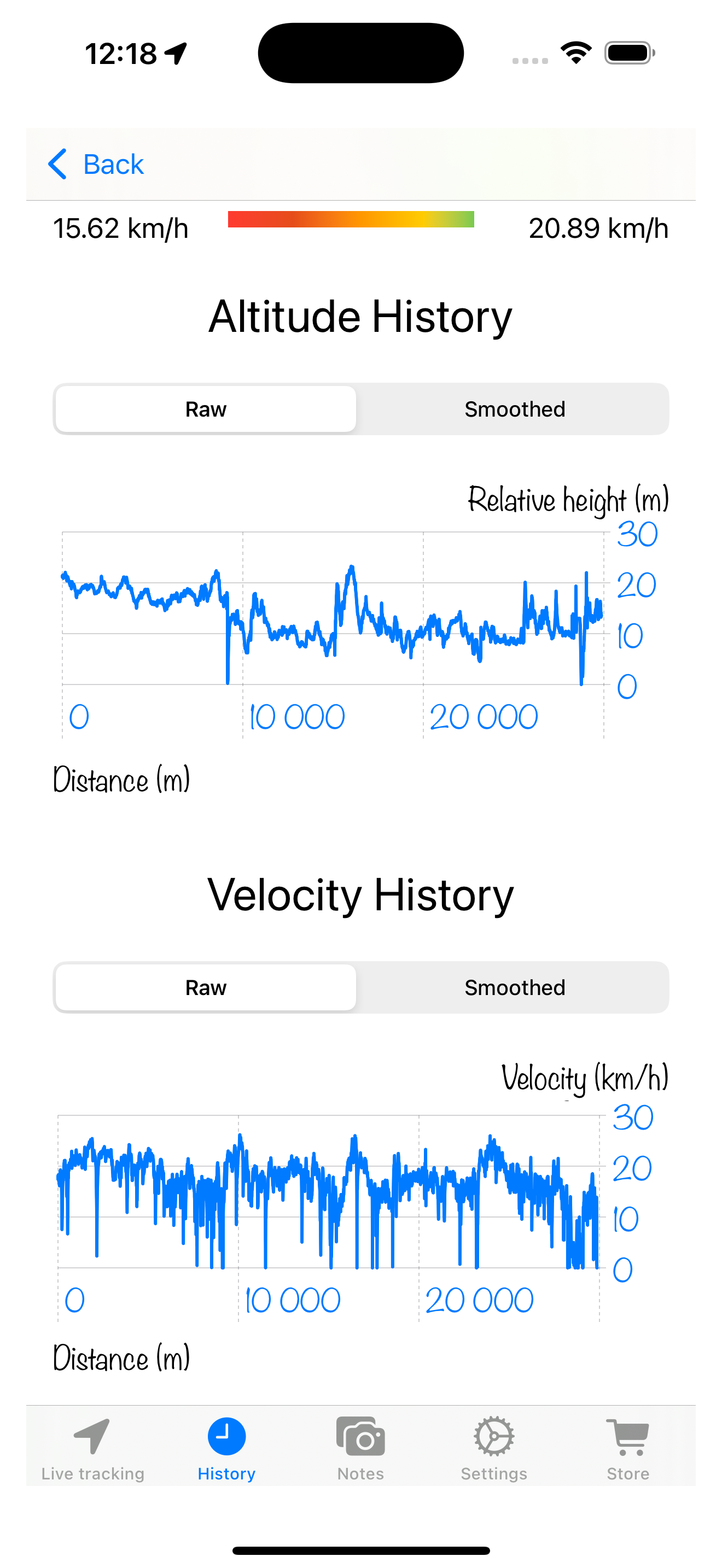
Select any activity to see a detailed breakdown. This view includes an interactive map of your route, precise statistics like pace and elevation on map and in chart form.
Customize Your Experience
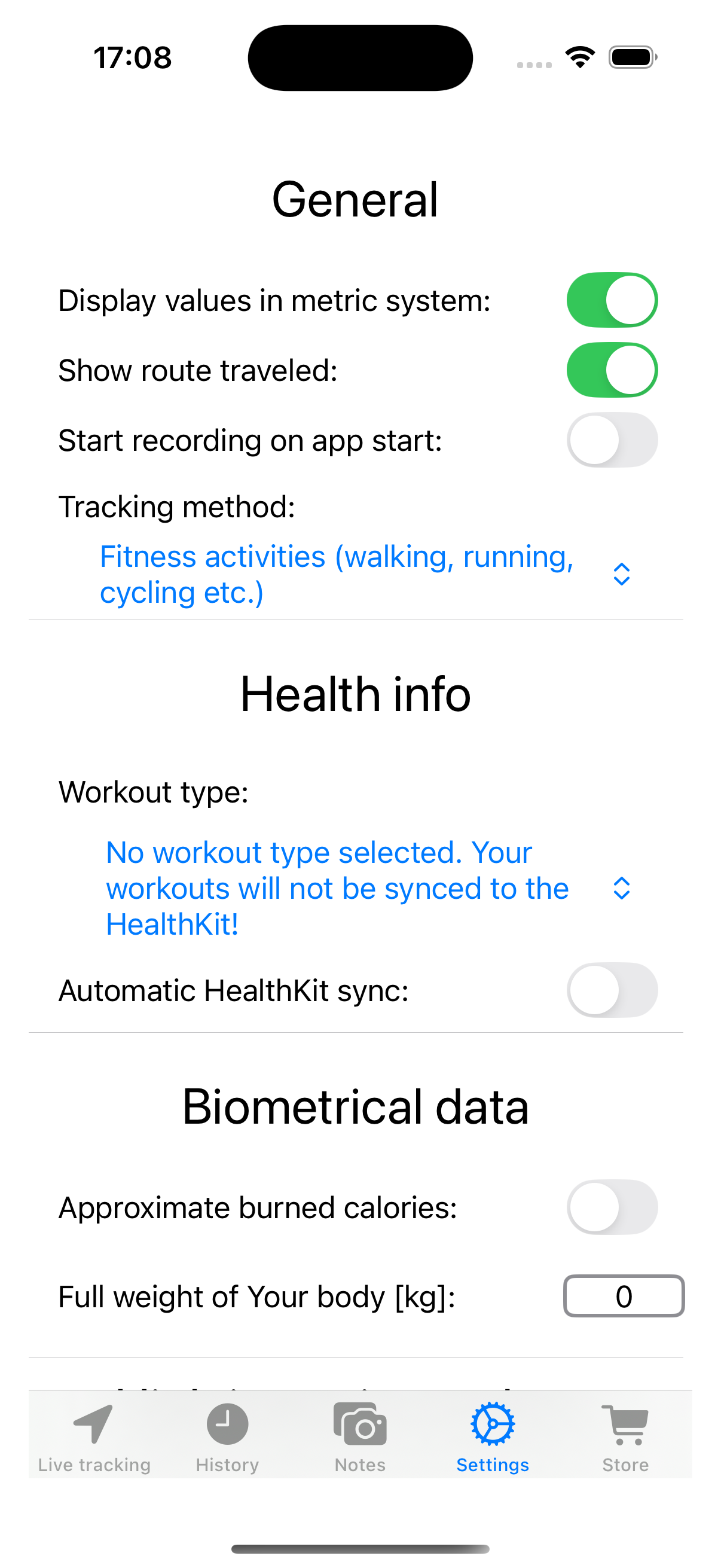
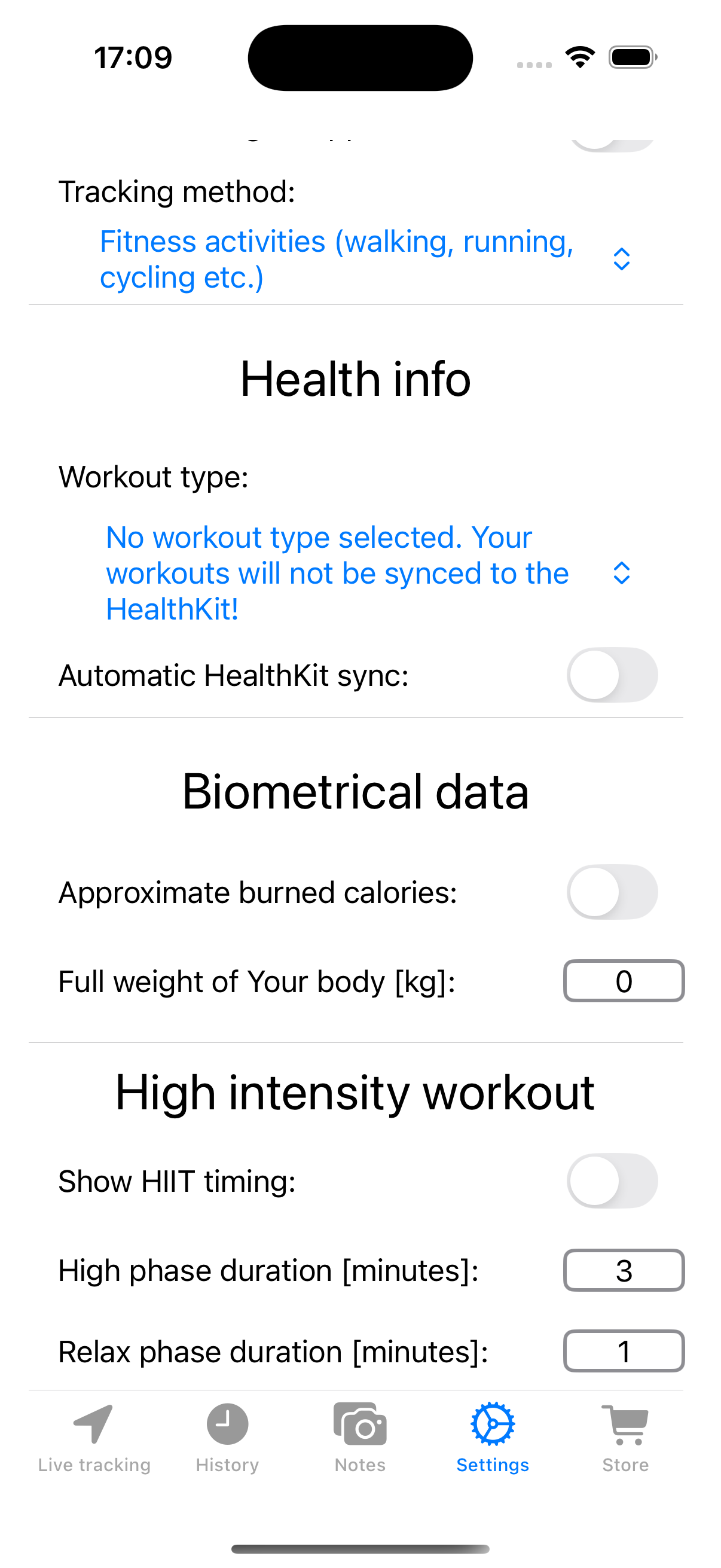
Access the "Settings" menu to customize the app to your liking. You can manage your profile, connect other services, and adjust tracking preferences. Please note that for activities to be synchronized with the Health app, you must select a default workout type. This feature is available with a premium subscription.
View and Edit Your Notes
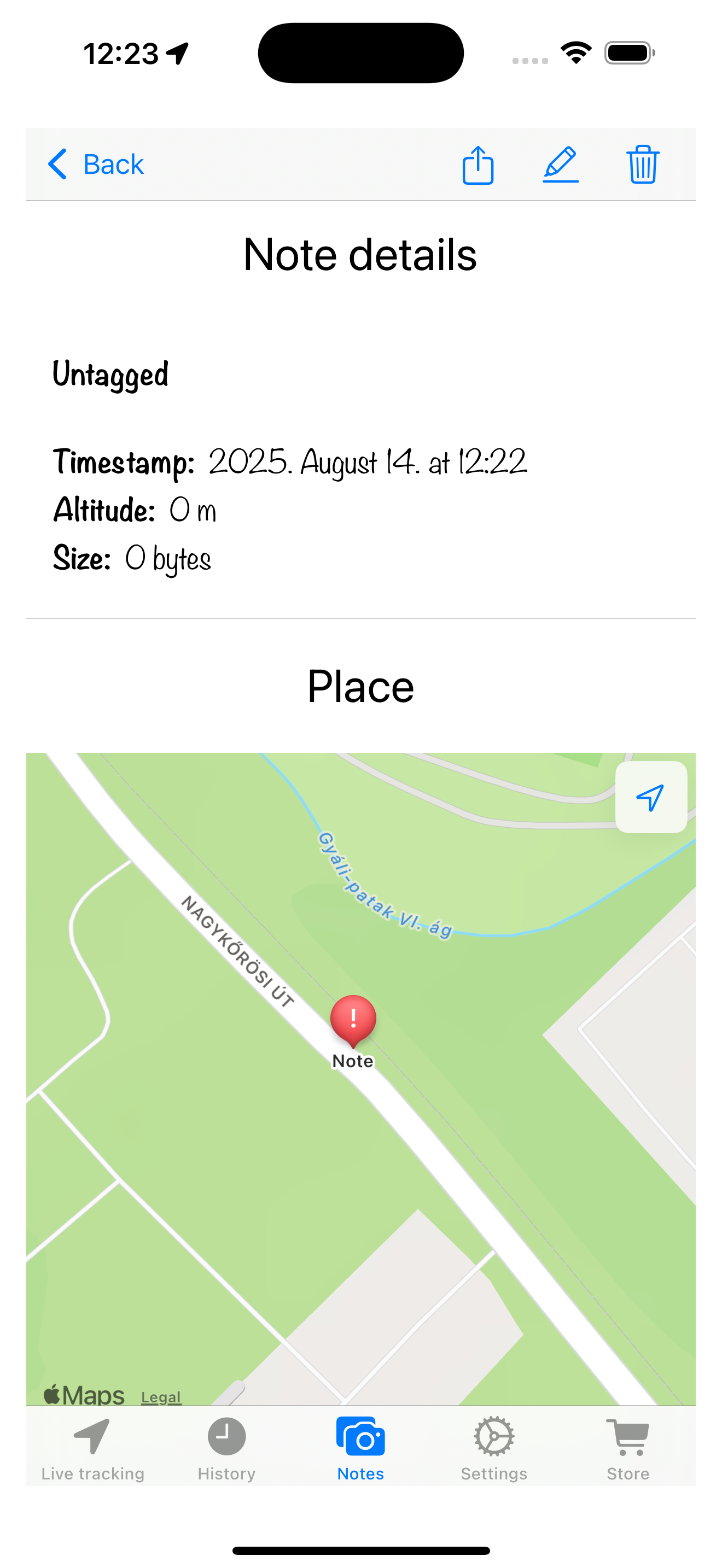
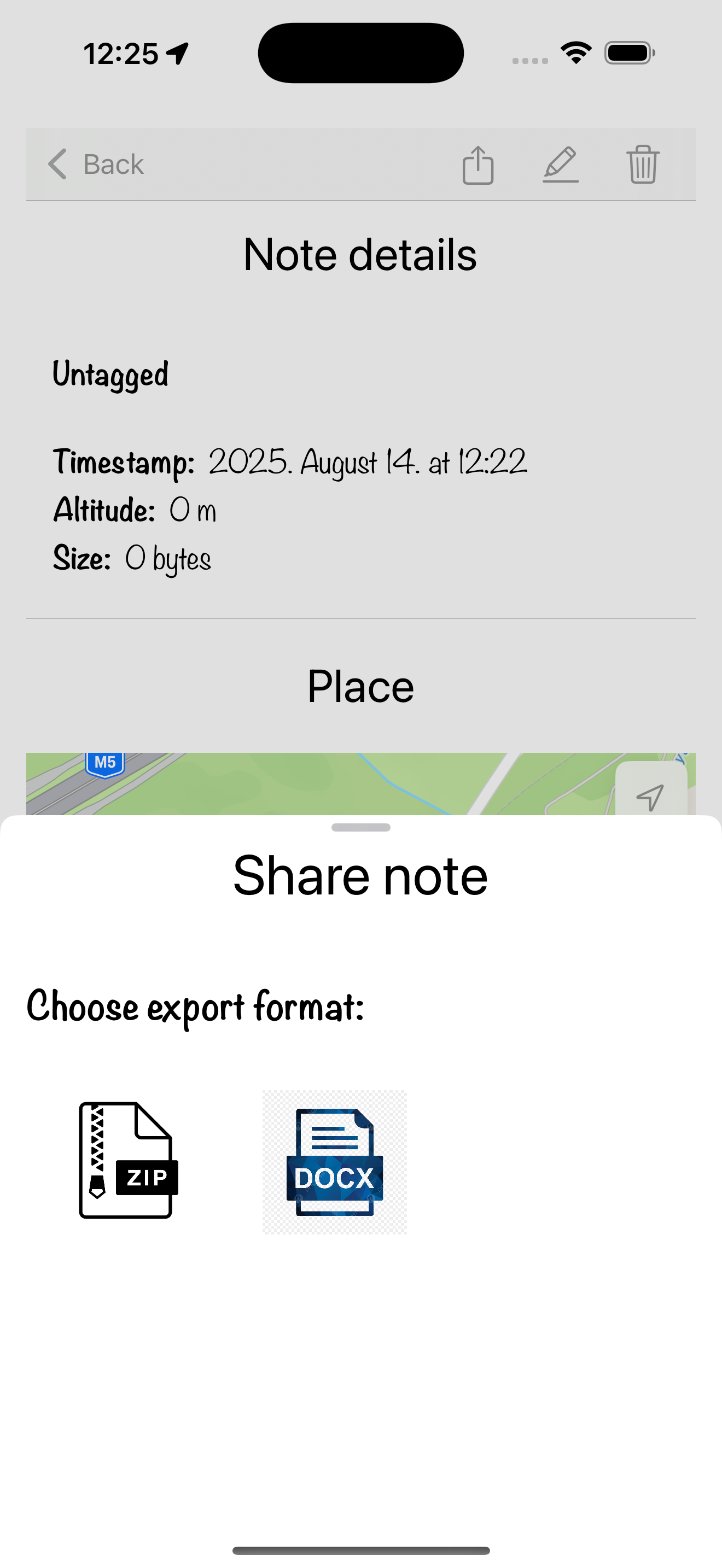
You can read any of your previously captured notes by tapping on them in the Notes list. This screen displays one of your notes. To edit it, simply tap the pencil icon in the upper right corner. You can also export your note by tapping the share button .
Create and Edit Notes
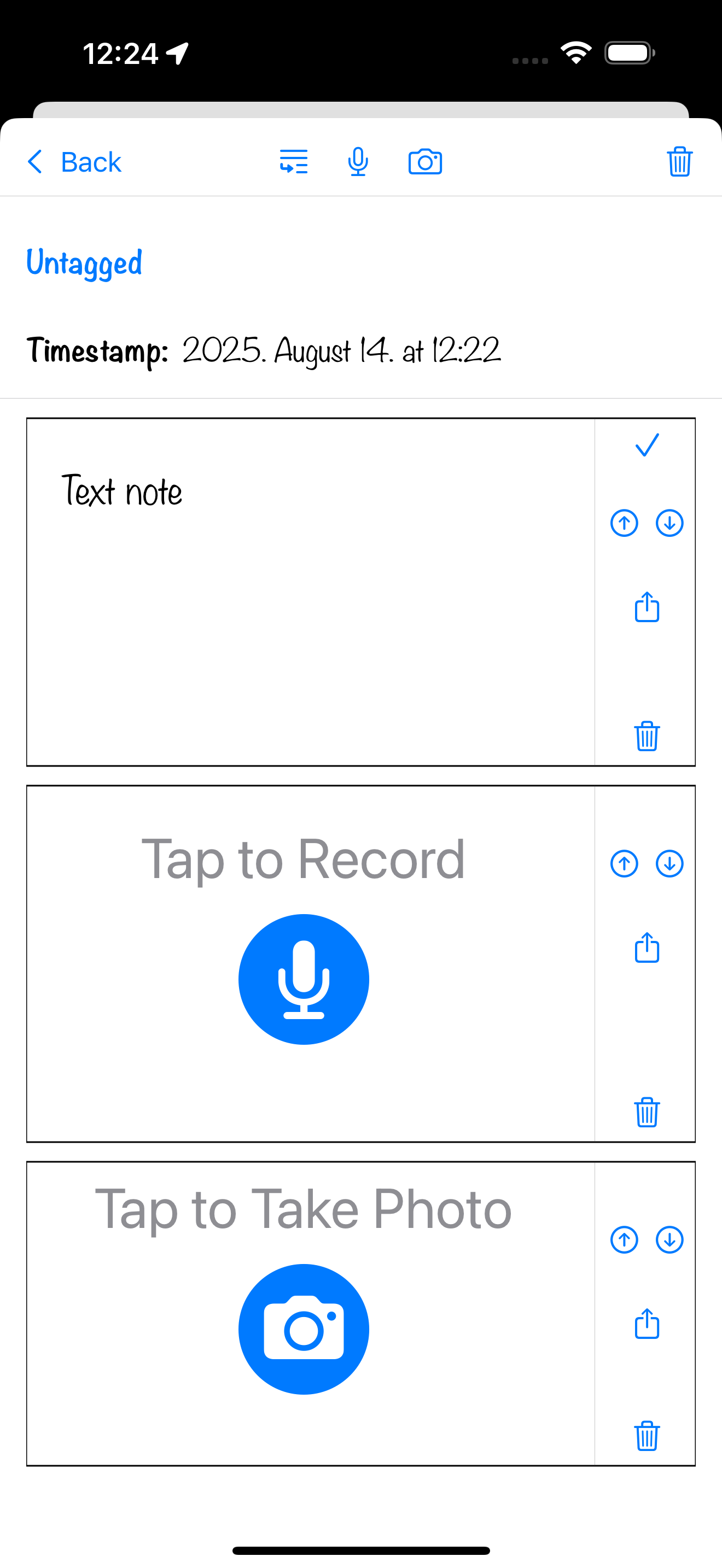
You can create a new note by tapping the plus button in the upper-left corner of the notes list or by tapping directly on the map on the main activity feed.
The note editor allows you to include text , audio , photos , and videos to capture every important moment of your journey.
You can also name every note you create by tapping the "Untagged" text in the upper area.
Share Your Achievements
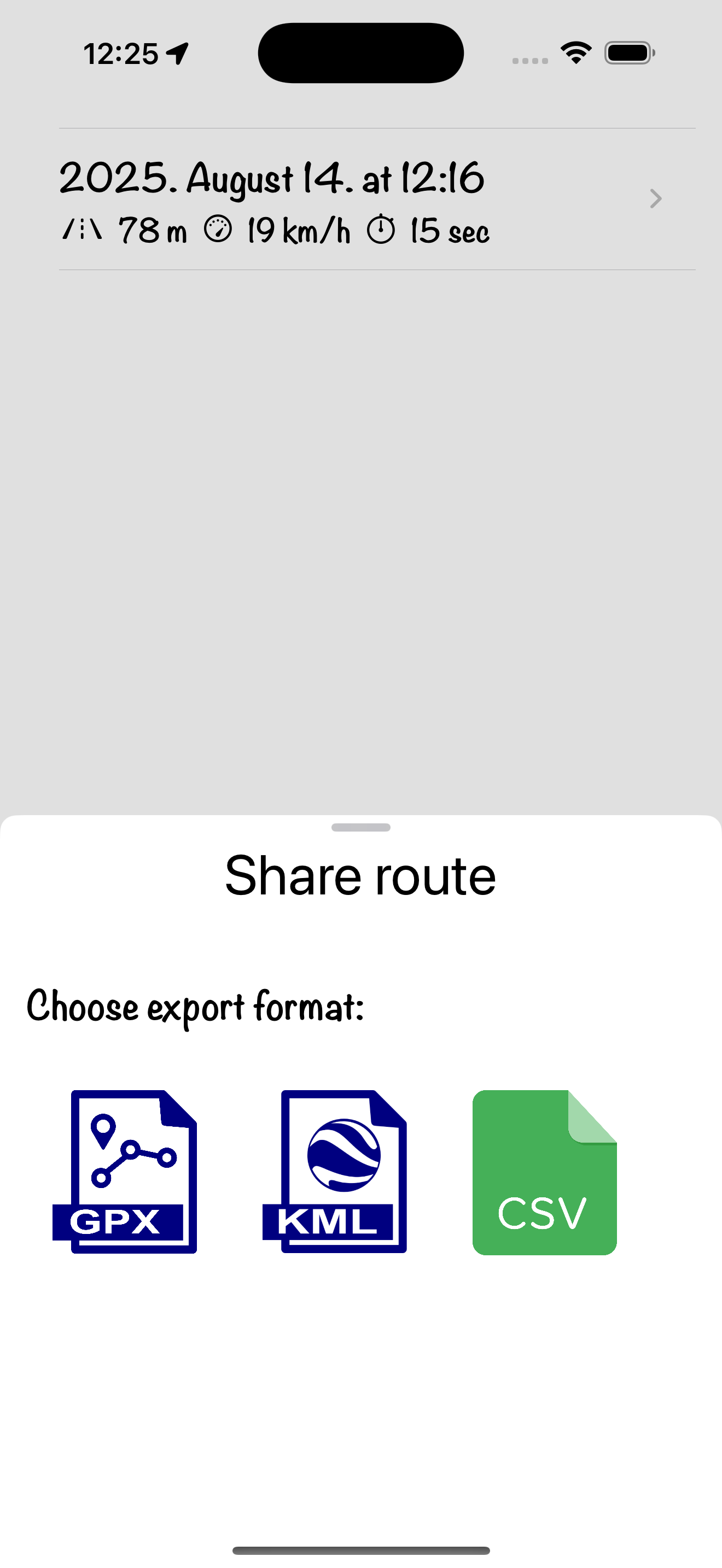
Proud of a recent accomplishment? Share your activity details with friends and family directly from the app. You can export your routes and notes in various formats.
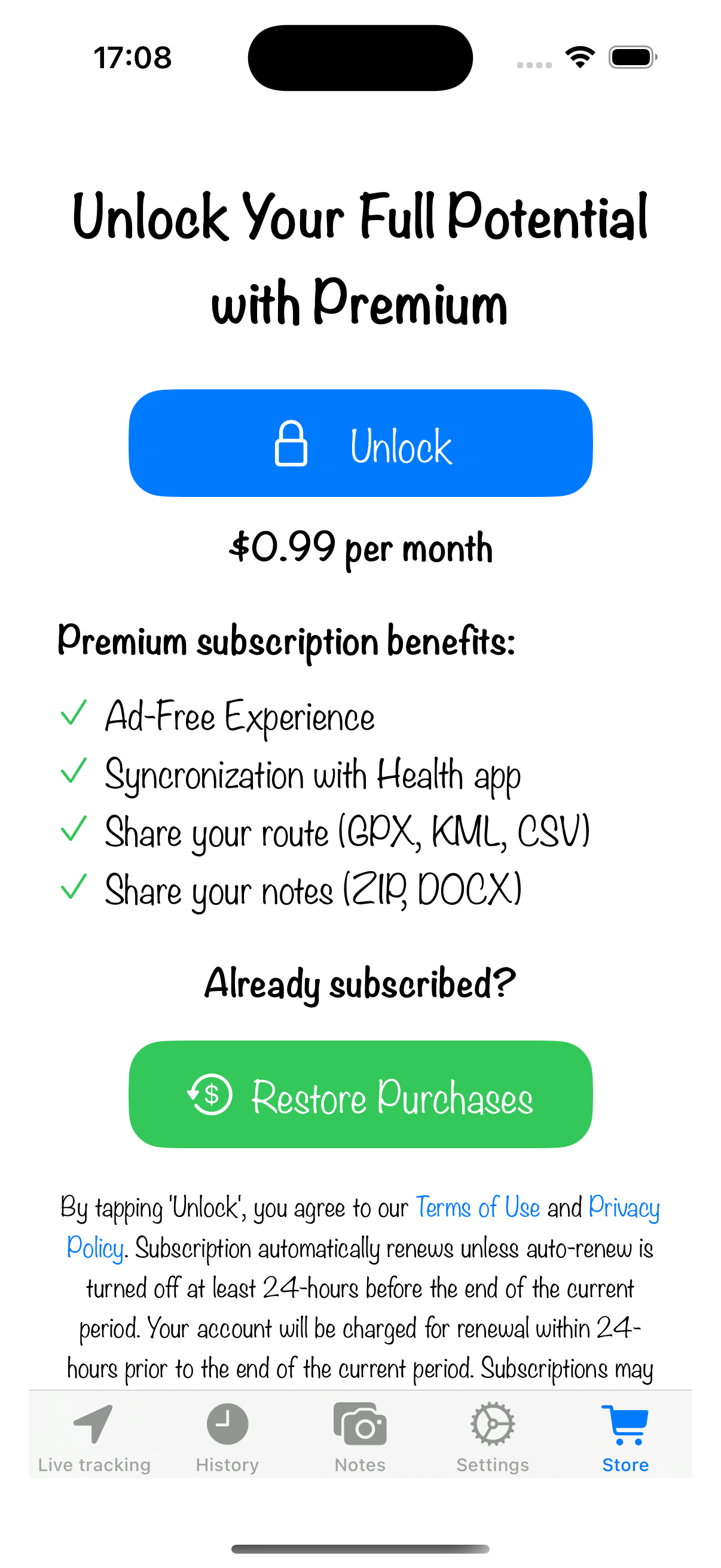
Unlock Premium Features
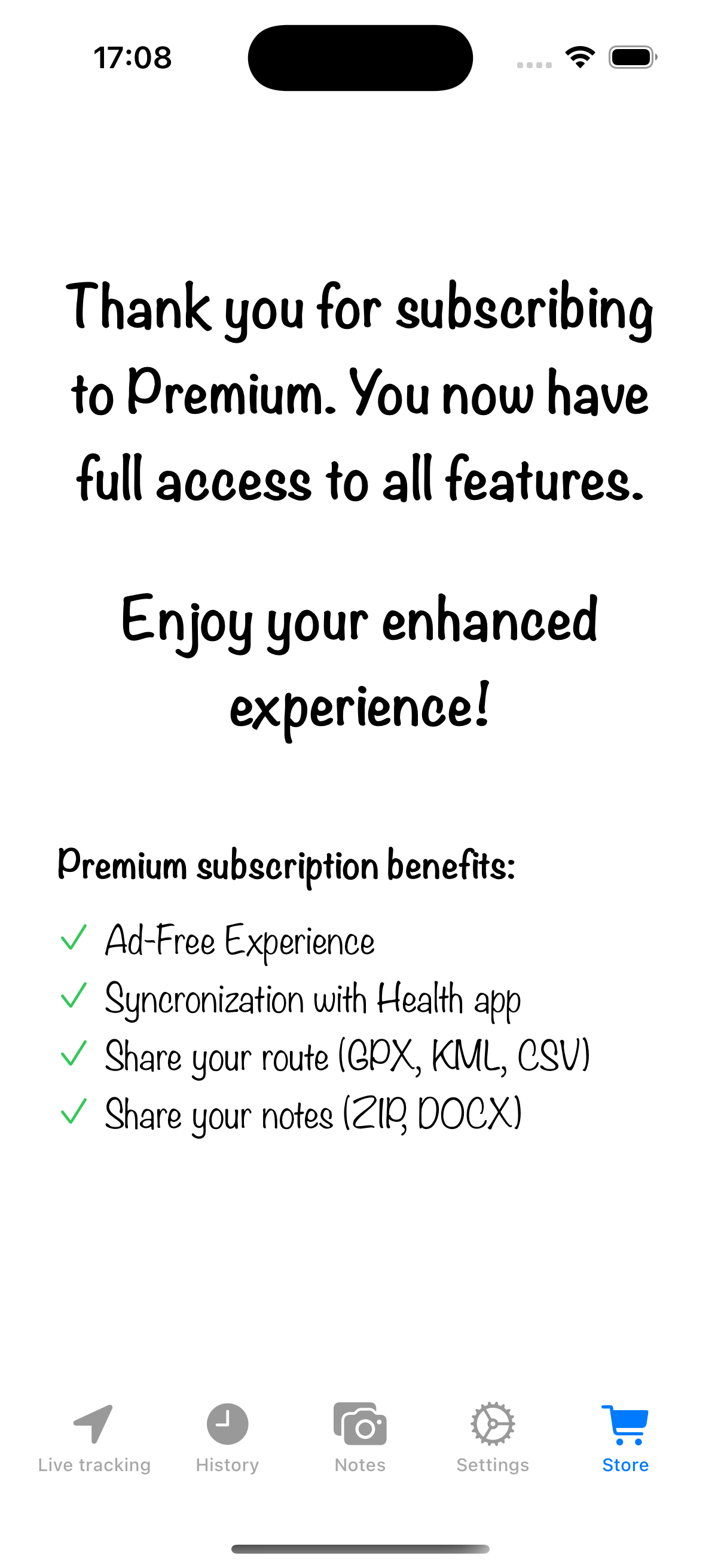
Upgrade to premium to unlock advanced features like Health app synchronization. Visit the store to subscribe. After a successful subscription, you'll see a confirmation screen, and all premium features will be available to you.